Gatelet
Fine-grained account access for your agents.
A self-hosted MCP proxy that gives you full control over how your agents can access your mails and calendars (and soon other online accounts).
curl -fsSL https://gatelet.dev/install-host.sh | bash# macOS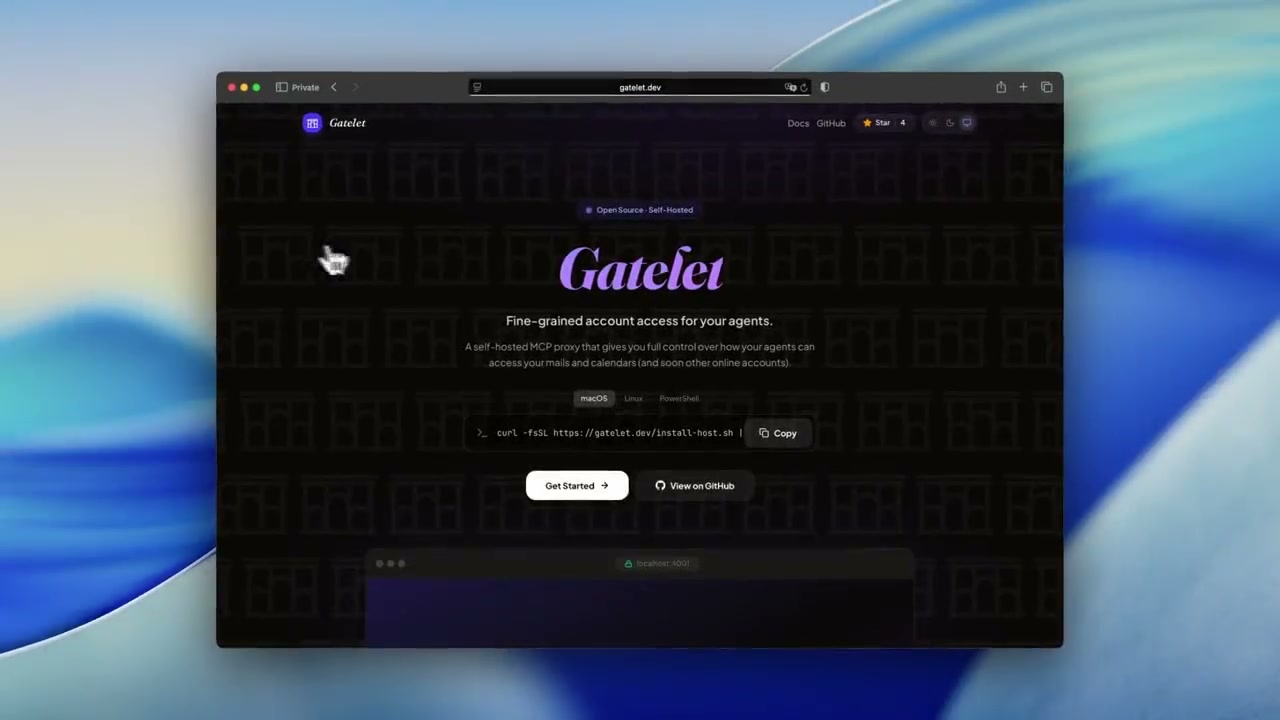
The Problem
AI agents with account access can go off the rails (fast). Even with "confirm before acting" instructions, agents can take destructive actions faster than you can stop them.
Nothing humbles you like telling your OpenClaw "confirm before acting" and watching it speedrun deleting your inbox. I couldn't stop it from my phone. I had to RUN to my Mac mini like I was defusing a bomb. pic.twitter.com/XAxyRwPJ5R
— Summer Yue (@summeryue0) February 23, 2026
Prompt-level guardrails aren't guardrails. Gatelet enforces permissions at the infrastructure level: your agents are securely restricted to the actions you allow.
How Gatelet works
Gatelet sits between your AI agent and your MCP servers, enforcing fine-grained access policies on every single tool call.
Your AI Agent
Claude, GPT, or any MCP‑compatible model
Gatelet Proxy
Policy engine, OAuth management, audit logging
Your Services
Gmail, Outlook Mail, Google Calendar, Outlook Calendar
Policy enforcement example
calendar.listEvents calendar.createEvent gmail.send calendar.deleteEvent Why Gatelet?
Security guarantees that go beyond access control lists.
Defense in Depth
Delete operations aren't just blocked — the code to execute them doesn't exist. Send and reply are disabled by default policy and hidden from the agent.
Granular Constraints
Set field-level constraints on any tool parameter. Restrict allowed values, enforce defaults, and mutate payloads before they reach upstream APIs — transparently.
Hidden by Design
Denied tools are never registered in MCP. Your agent can't request, discover, or be tricked into using what it doesn't know exists. No prompt injection can bypass this.
Full Audit Trail
Every tool invocation is logged with the original request, policy decisions, parameter mutations, and the final response. Full observability by default.
Declarative YAML policies
Define exactly what each agent can access with human-readable configuration.
# Gmail policy for your AI assistant
provider: google_gmail
account: me@gmail.com

operations:
  search:
    allow: true

  read_message:
    allow: true
    guards:
      block_subjects:
        - password reset
        - verification code

  create_draft:
    allow: true

  # send — not listed → invisible to agent
  # reply — not listed → invisible to agent
Ready to secure your AI agents?
Get started in under a minute. No signup required.